
Education videos
See it before you choose.
Short films for schools, colleges, universities and districts: find the right robot for your learners, see what is in each lab kit, plan your lab, order, and register for MCM Educator. Prices on screen are as on the day of filming; current prices are on the Education page.
Find yours
One door, one level: the navigator’s answer for the learners you teach.
 1:23
Find your robot: Schools, Grade R to 6
From the Schools door on the Education page to the navigator’s answer for Grade R to 6: the Go2 Pro as a teacher-run demonstrator, the Spark and Explore stages of the teaching ladder, the Try it lab, and when to choose a robot learners can program.
1:23
Find your robot: Schools, Grade R to 6
From the Schools door on the Education page to the navigator’s answer for Grade R to 6: the Go2 Pro as a teacher-run demonstrator, the Spark and Explore stages of the teaching ladder, the Try it lab, and when to choose a robot learners can program.
 1:25
Find your robot: Schools, Grade 7 to 12
From the Schools door on the Education page to the navigator’s answer for Grade 7 to 12: the STEM Classroom Kit, the Build stage of the teaching ladder and its course outline, what changes in Grade 10 to 12, and the alternatives with their live prices.
1:25
Find your robot: Schools, Grade 7 to 12
From the Schools door on the Education page to the navigator’s answer for Grade 7 to 12: the STEM Classroom Kit, the Build stage of the teaching ladder and its course outline, what changes in Grade 10 to 12, and the alternatives with their live prices.
 1:27
Find your robot: TVET colleges
From the TVET door on the Education page to the navigator’s answer for colleges: the Perception and Manipulation Lab, the R1-A bench as an alternative, the Engineer stage and its course outline, and funding routes for colleges.
1:27
Find your robot: TVET colleges
From the TVET door on the Education page to the navigator’s answer for colleges: the Perception and Manipulation Lab, the R1-A bench as an alternative, the Engineer stage and its course outline, and funding routes for colleges.
 1:43
Find your robot: Universities and research
From the Universities door on the Education page to the navigator’s answers: the Locomotion Lab for undergraduates and the Specialise stage, the G1 EDU for postgraduate research and the Research stage, and Unitree’s open-source stack.
1:43
Find your robot: Universities and research
From the Universities door on the Education page to the navigator’s answers: the Locomotion Lab for undergraduates and the Specialise stage, the G1 EDU for postgraduate research and the Research stage, and Unitree’s open-source stack.
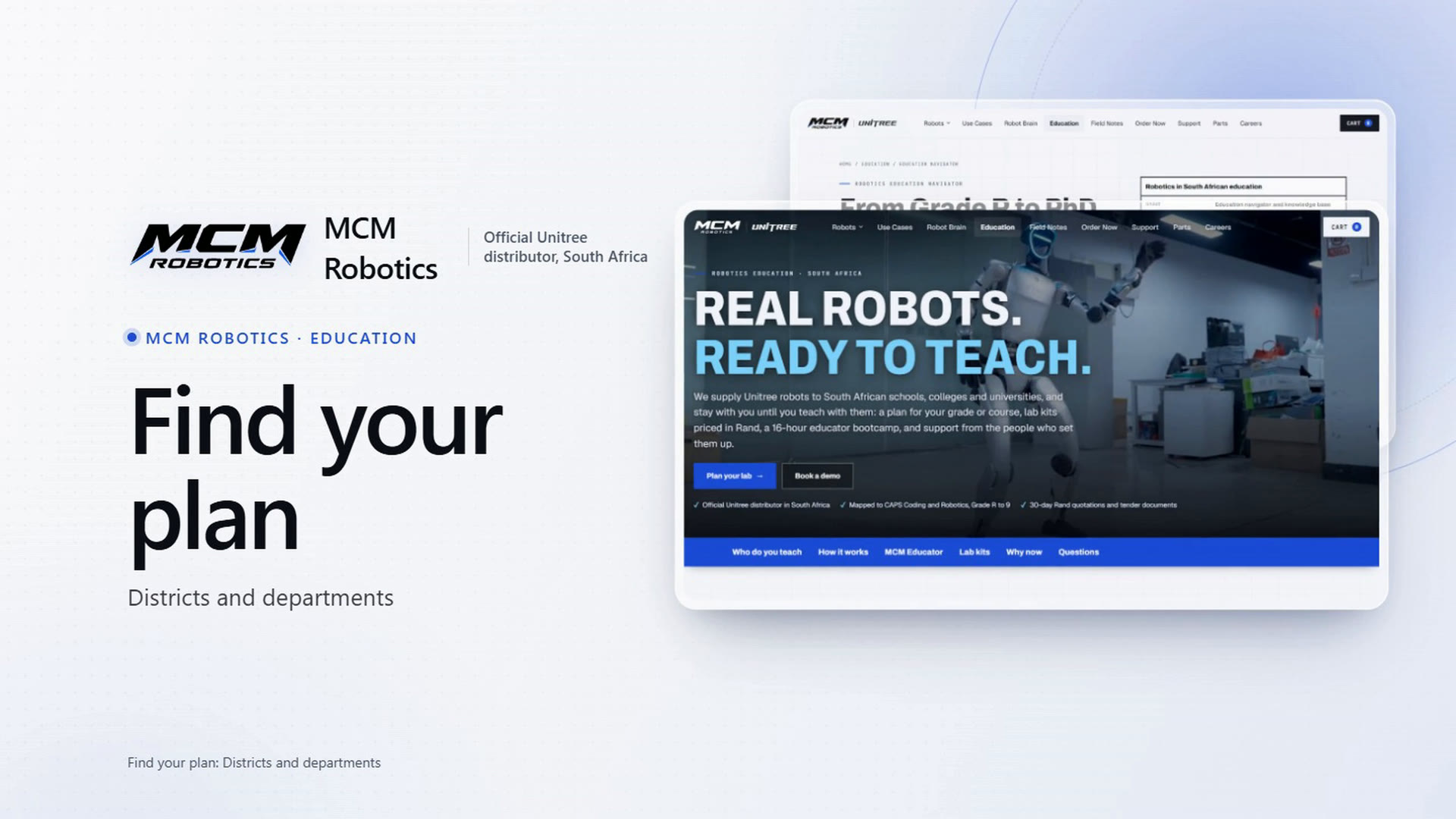 1:37
Find your plan: Districts and departments
For districts and education departments: one hub serving many schools, the navigator’s district hub answer, the rollout calculator, and the measured 90-day pilot with its six measures.
1:37
Find your plan: Districts and departments
For districts and education departments: one hub serving many schools, the navigator’s district hub answer, the rollout calculator, and the measured 90-day pilot with its six measures.
The kits
What is in each lab kit and what learners do with it.
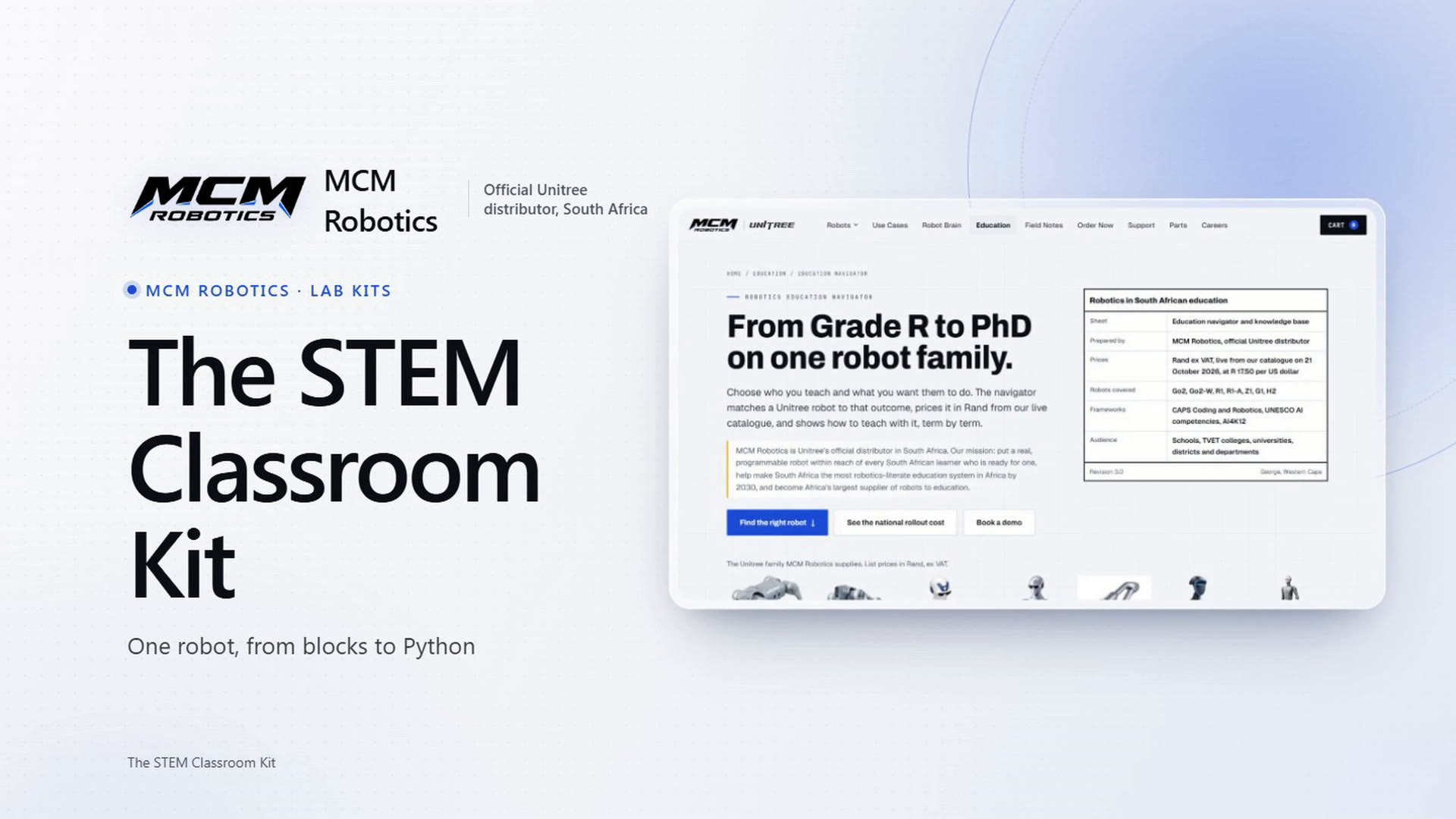 1:25
The STEM Classroom Kit
What is in the kit, the Go2 EDU at work, what learners do with it from blocks to Python, the safety rules, the district hub option, and how to order it.
1:25
The STEM Classroom Kit
What is in the kit, the Go2 EDU at work, what learners do with it from blocks to Python, the safety rules, the district hub option, and how to order it.
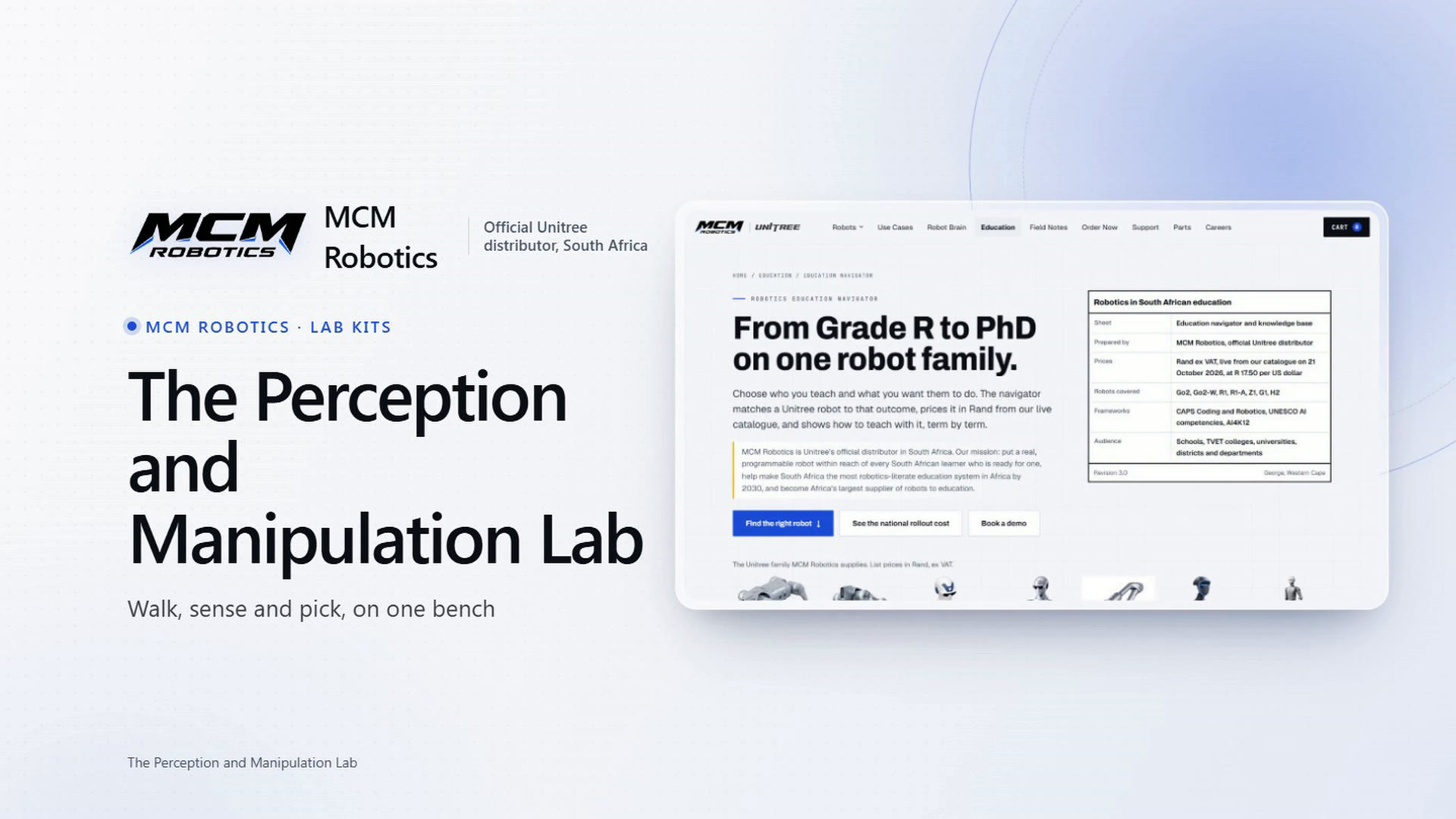 1:27
The Perception and Manipulation Lab
What is in the kit (a Go2 EDU Standard, a 4D LiDAR L2 and a Z1 Air arm), the robots at work, what learners do with them at the Engineer stage, and how to order it.
1:27
The Perception and Manipulation Lab
What is in the kit (a Go2 EDU Standard, a 4D LiDAR L2 and a Z1 Air arm), the robots at work, what learners do with them at the Engineer stage, and how to order it.
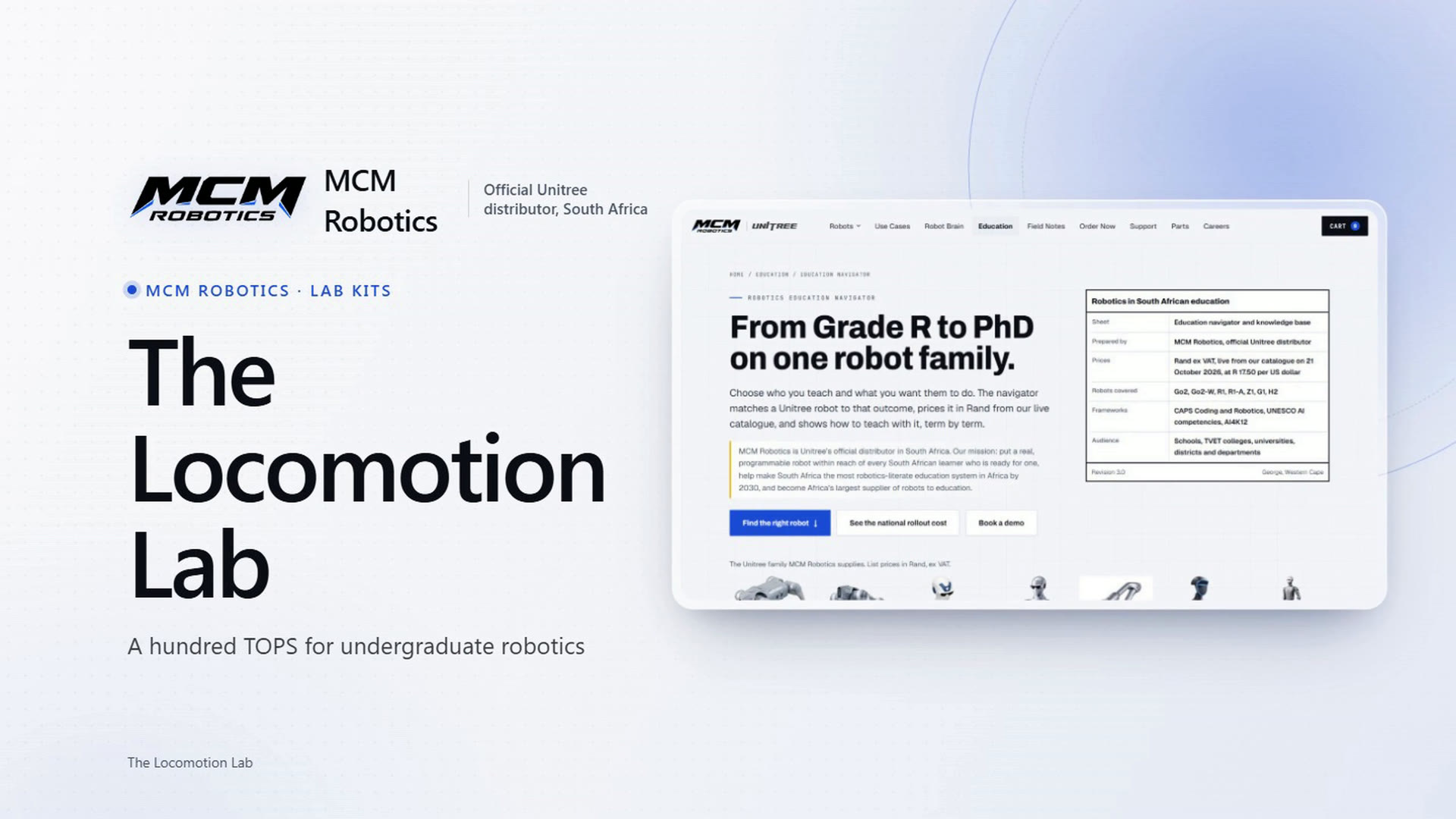 1:25
The Locomotion Lab
What is in the kit (a Go2 EDU Smart, a spare long-life battery and the self-charging mat), what undergraduates do with it, a first semester week by week, and how to order it.
1:25
The Locomotion Lab
What is in the kit (a Go2 EDU Smart, a spare long-life battery and the self-charging mat), what undergraduates do with it, a first semester week by week, and how to order it.
 1:29
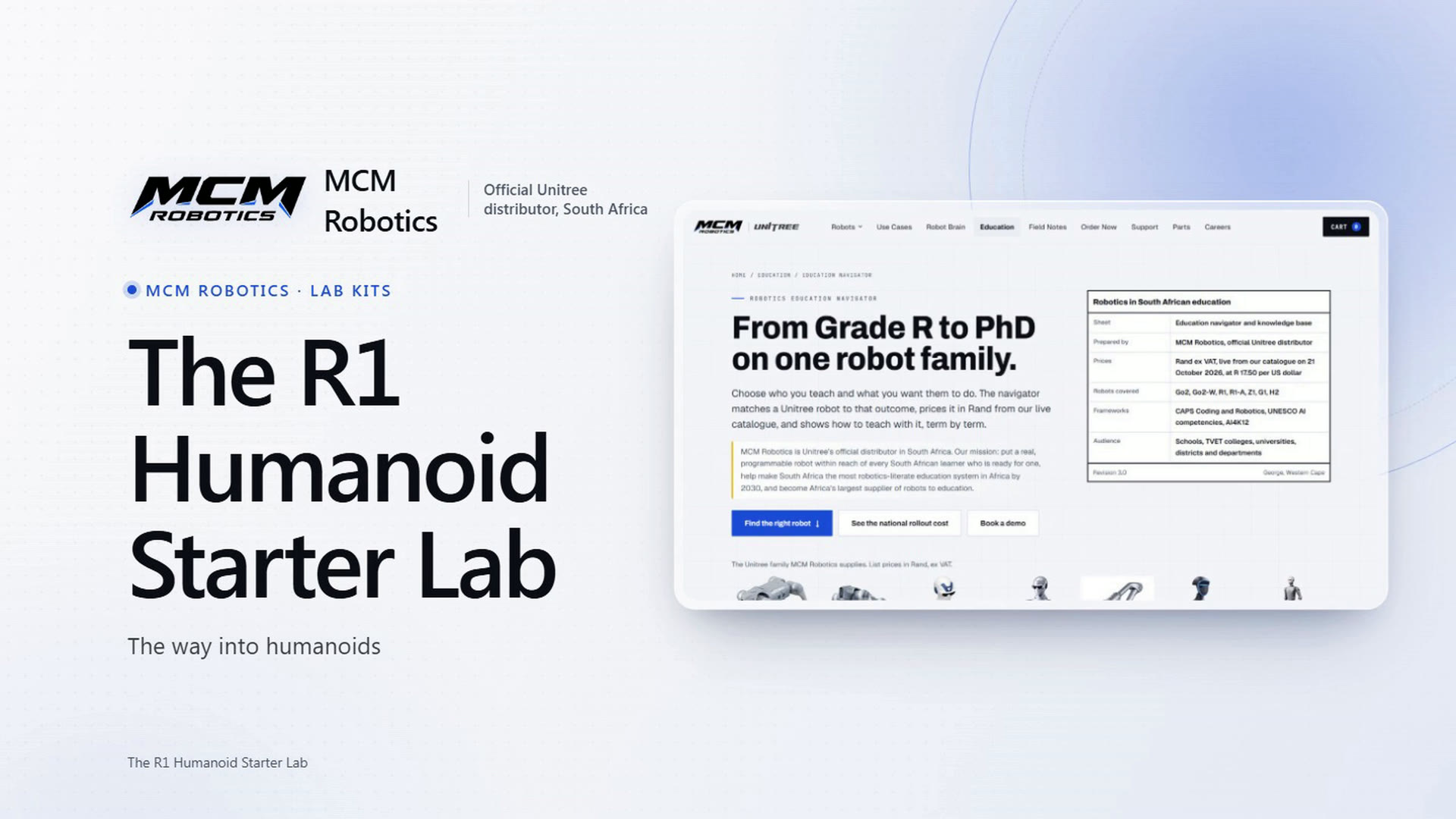
The R1 Humanoid Starter Lab
What is in the kit (an R1 EDU Standard and a spare battery), the R1 at work, what learners do with it at university and TVET level, the gantry stand, and how to order it.
1:29
The R1 Humanoid Starter Lab
What is in the kit (an R1 EDU Standard and a spare battery), the R1 at work, what learners do with it at university and TVET level, the gantry stand, and how to order it.
 1:31
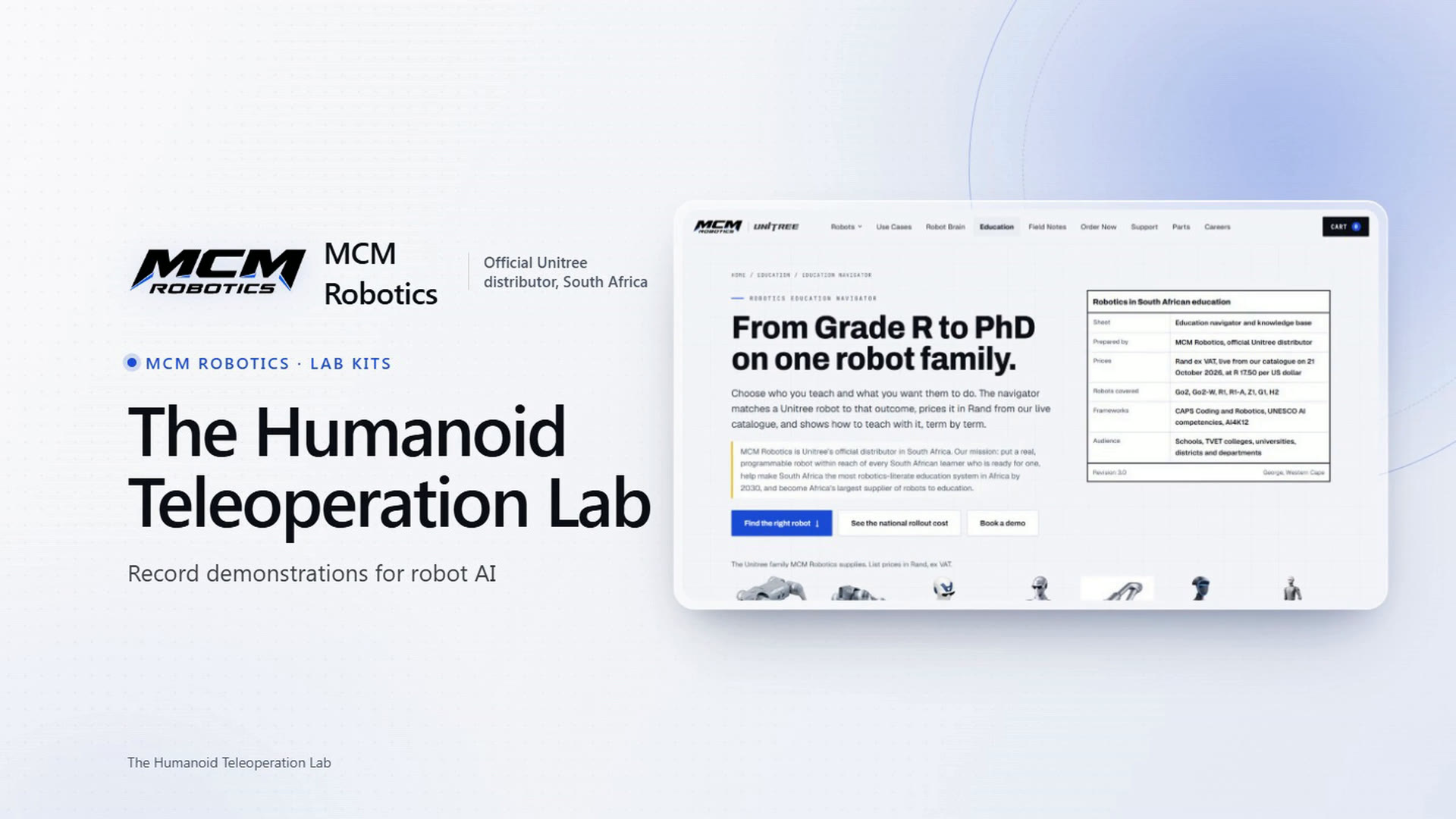
The Humanoid Teleoperation Lab
What is in the kit (a G1 EDU Plus and the PICO VR teleoperation kit), the G1 at work, how students record demonstrations for imitation learning, Unitree’s teleoperation software, and how to order it.
1:31
The Humanoid Teleoperation Lab
What is in the kit (a G1 EDU Plus and the PICO VR teleoperation kit), the G1 at work, how students record demonstrations for imitation learning, Unitree’s teleoperation software, and how to order it.
 1:27
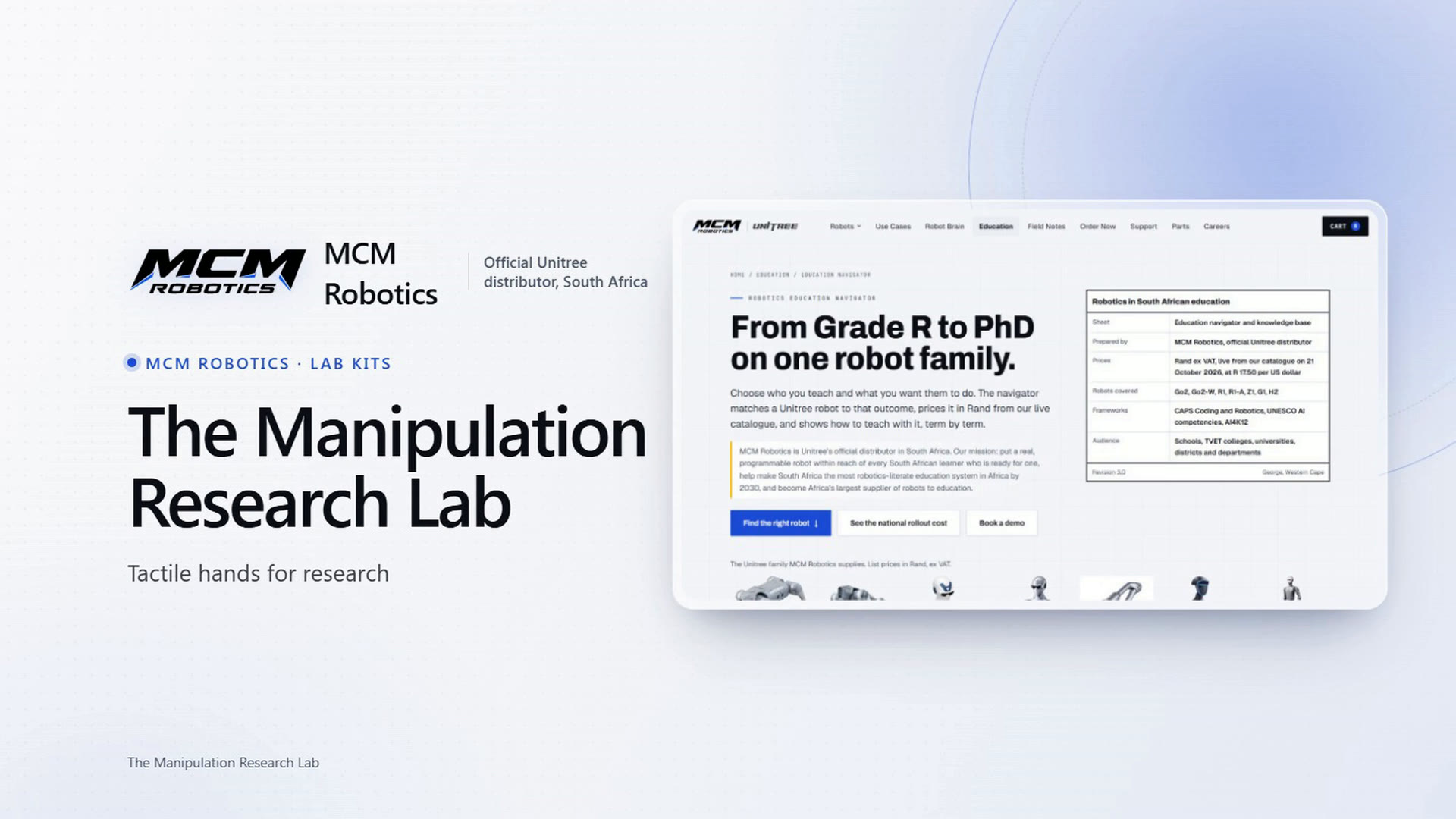
The Manipulation Research Lab
What is in the kit (a G1 EDU Ultimate F with tactile five-finger hands, and the PICO kit), the hands at work, the other hand options, what to expect from research on grasping, and how to order it.
1:27
The Manipulation Research Lab
What is in the kit (a G1 EDU Ultimate F with tactile five-finger hands, and the PICO kit), the hands at work, the other hand options, what to expect from research on grasping, and how to order it.
How to
Ordering and quotations, planning with the navigator, and your login to MCM Educator.
 1:40
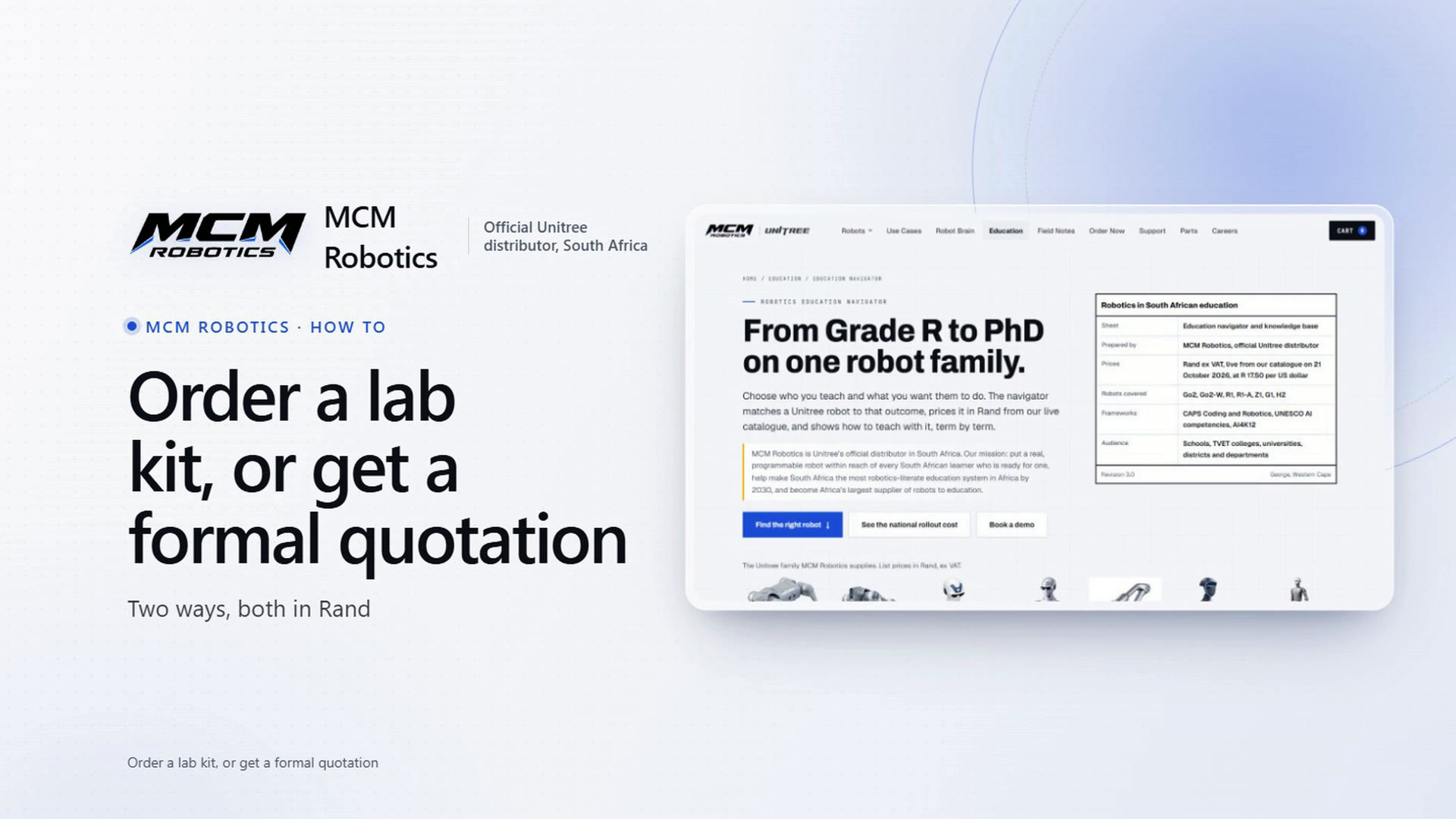
How to order a lab kit, or get a formal quotation
Two ways to buy: add a kit to your cart and get an EFT quotation by email in a minute, or ask for a formal quotation for procurement or a tender through the Education Navigator.
1:40
How to order a lab kit, or get a formal quotation
Two ways to buy: add a kit to your cart and get an EFT quotation by email in a minute, or ask for a formal quotation for procurement or a tender through the Education Navigator.
 2:03
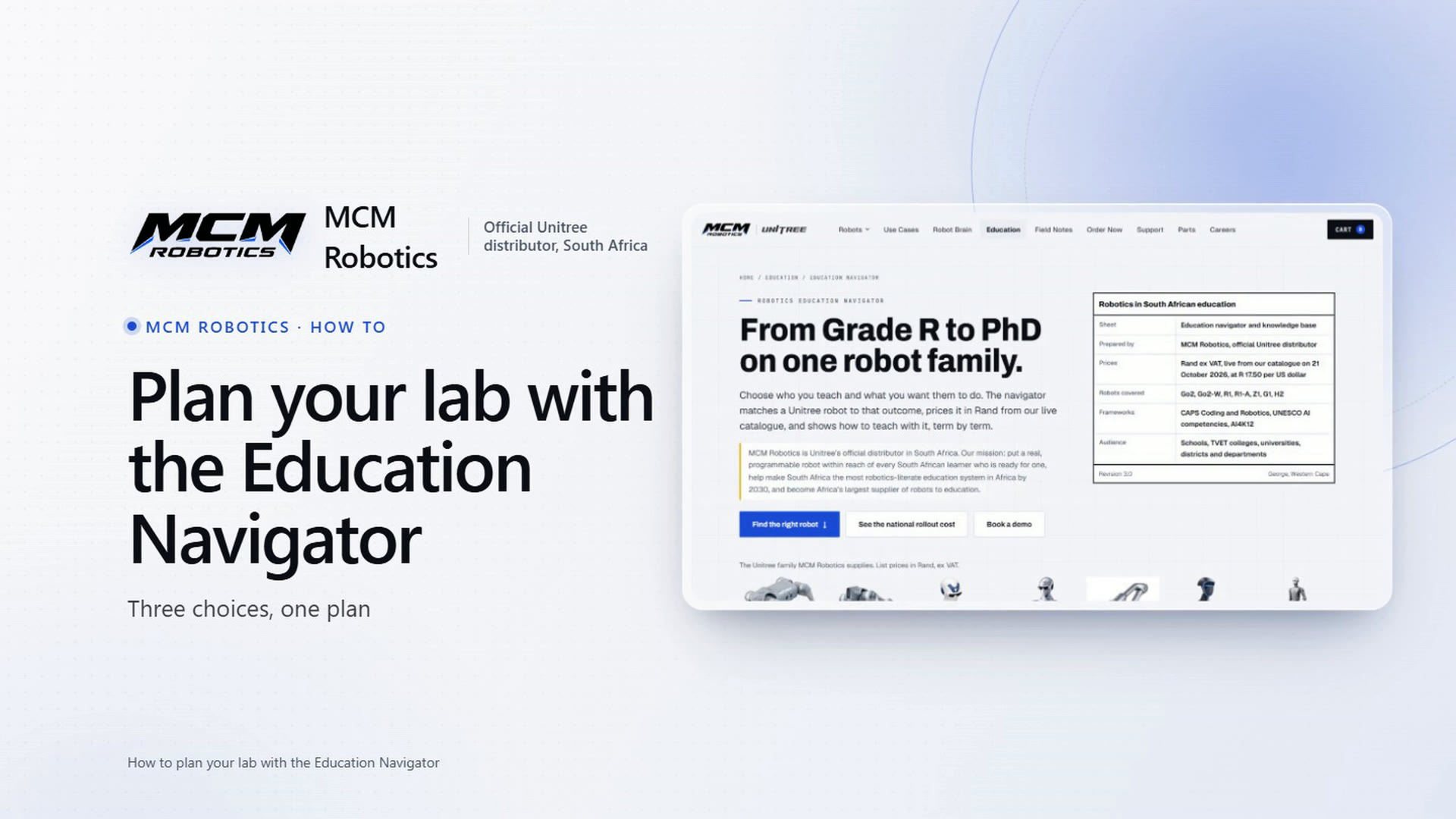
How to plan your lab with the Education Navigator
The navigator step by step: three choices, the recommendation card, a budget, Compare side by side, the teaching ladder and course outline, My plan with quantities and the full programme cost, and sending the plan for a formal quotation.
2:03
How to plan your lab with the Education Navigator
The navigator step by step: three choices, the recommendation card, a budget, Compare side by side, the teaching ladder and course outline, My plan with quantities and the full programme cost, and sending the plan for a formal quotation.
 1:34
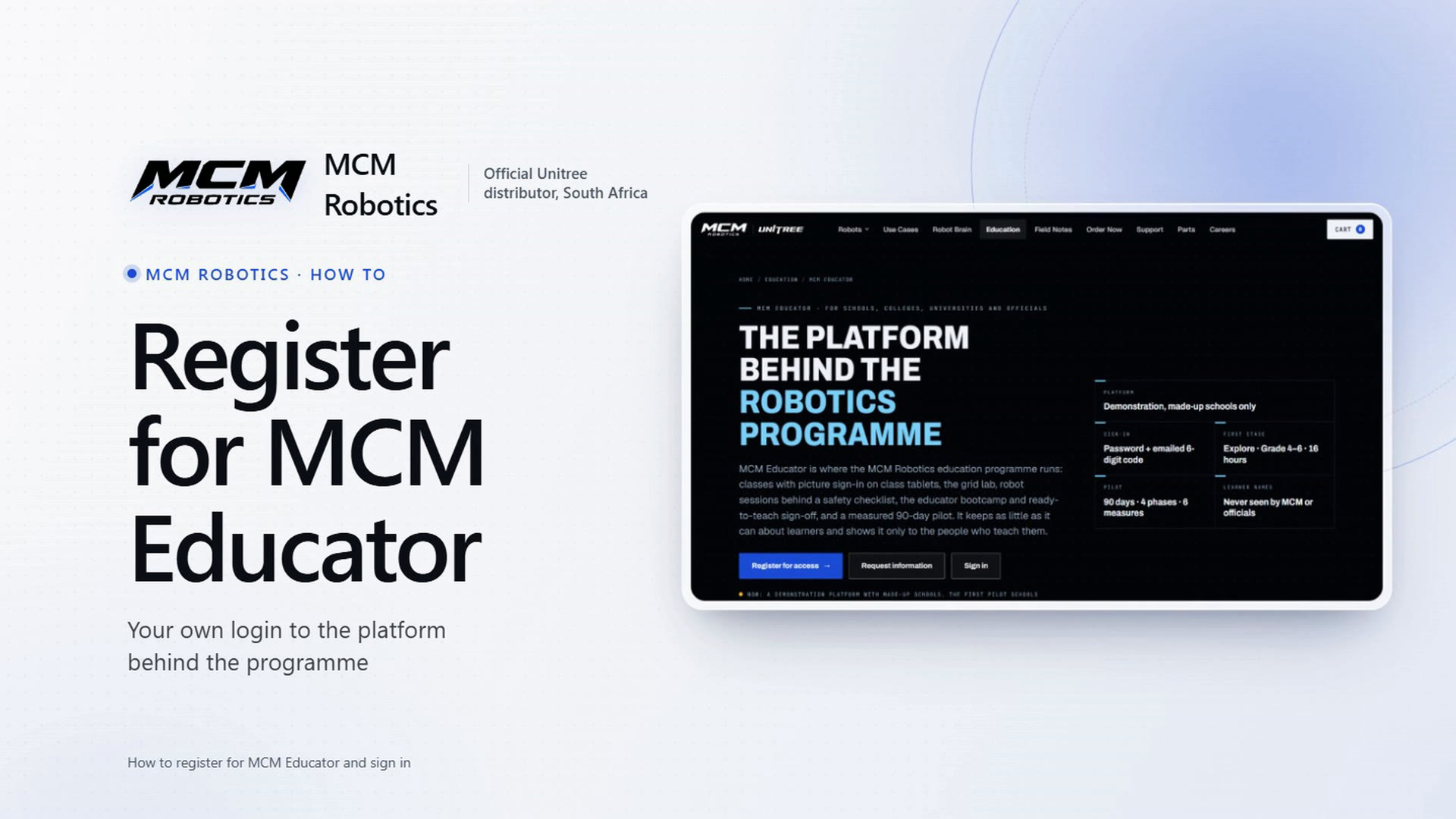
How to register for MCM Educator and sign in
From the Education page to the MCM Educator page: what the platform is, the four steps to access, the registration form (filled in with made-up details and not sent), the invitation email, and signing in with a password and an emailed code.
1:34
How to register for MCM Educator and sign in
From the Education page to the MCM Educator page: what the platform is, the four steps to access, the registration form (filled in with made-up details and not sent), the invitation email, and signing in with a password and an emailed code.